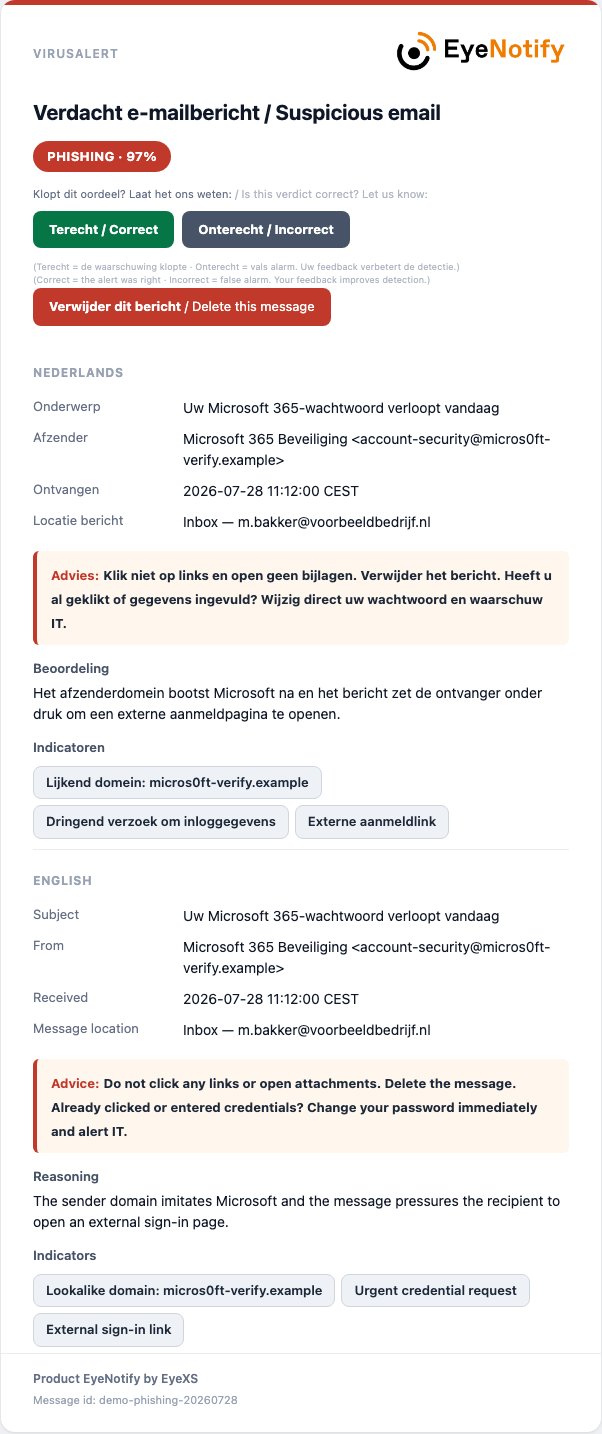
The notification your employees receive, the portal for your administrators, your own monitoring rules and the quarantine.
Scan, investigate and intervene from one secure management environment — clearly separated per organization. The portal has a fixed navigation bar on the left, divided into the groups Incidents, Tenant, Logging and Management, with a header bar next to it. That is where you choose the theme: light, dark or automatic, in which case the portal follows your device. On pages that work per domain (Cbw/NIS2, TenantPolicy, SysDefend and Quarantine) you also select the domain in the header bar; the choice is remembered, so the next page opens on the same domain.

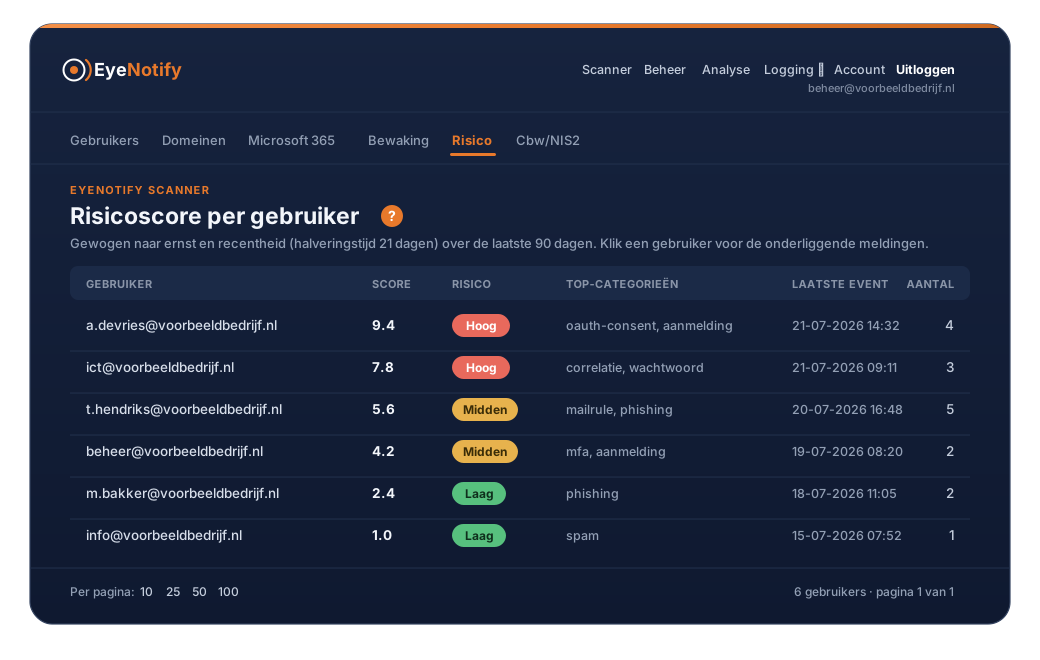


See how to monitor a Microsoft 365 event, any intervention links and finds all hits immediately in Analysis.
Administrators handle the Microsoft 365 quarantine from the portal; employees retrieve a message from their Junk Email folder themselves. Available in the Response and SysDefend plans.
Look up a Microsoft 365 user and see the sign-ins, the devices and what looks suspicious on one screen. EyeNotify shows what the sign-in logs show; if you revoke all sessions, that takes one confirmed click.
Try EyeNotify for 14 days without payment details, or request a demo.